
Emulating Firmware with QEMU
You do not always need the physical device to test its firmware. QEMU can run an extracted binary, or boot a whole firmware image, on your laptop, so you can poke at the web interface, attach a debugger, and fuzz the services at a scale no single board allows. Here is how to emulate firmware and why it accelerates everything.
Why Emulate at All
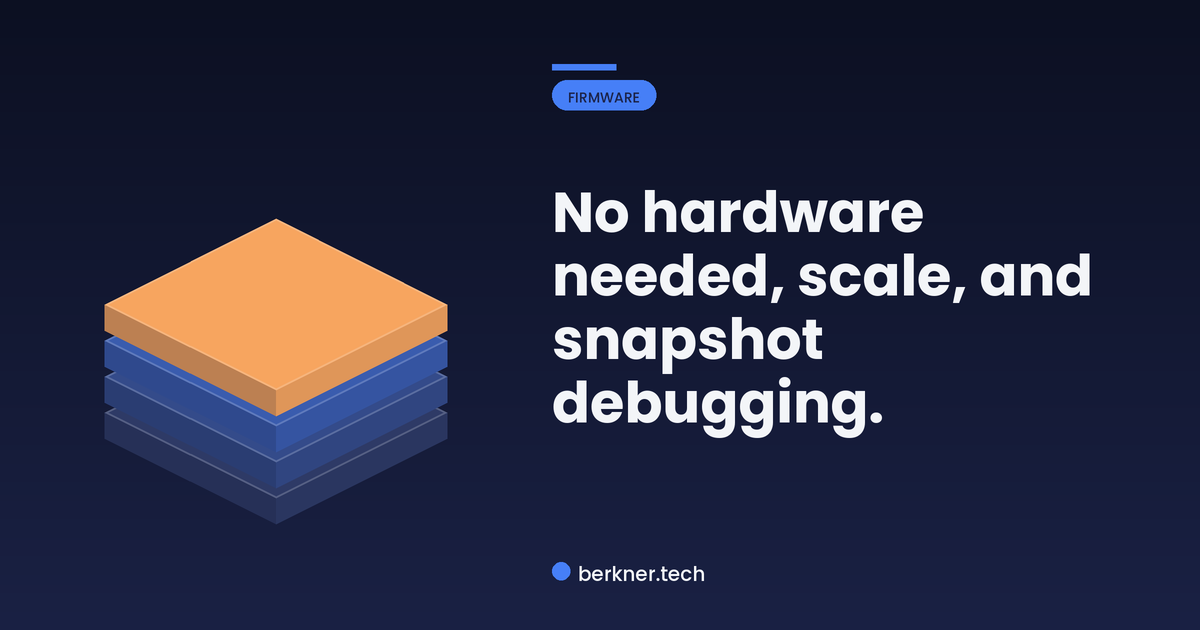
Testing on real hardware is slow and fragile: one board, easy to brick, hard to debug. Emulation removes those limits. With the firmware running in QEMU you can snapshot state, attach a debugger, run many instances in parallel, and crash the services as often as you like without ever touching a soldering iron.
Step 1: Run a Single Binary
The fast path is user-mode emulation: run one service binary directly against the extracted filesystem, no full boot needed:
cp $(which qemu-arm-static) squashfs-root/
sudo chroot squashfs-root ./qemu-arm-static ./usr/sbin/httpd -f
httpd: starting on port 80
httpd: loaded config /etc/httpd.conf
httpd: ready
Step 2: Interact and Test
With the service running, reach it like any other target. Now the device’s web interface is a local endpoint you can probe, intercept, and fuzz:
curl -s http://127.0.0.1:80/cgi-bin/status | head
{"model":"SmartHub-2","uptime":3,"emulated":true} The firmware’s own web service answered, running on your host. Every web and protocol test is now available without the hardware, and crashes are reproducible under a debugger.
Three Wins from Emulation
What emulation buys an assessment:
From Emulation to Findings
Full-system emulation, with frameworks like FirmAE building on QEMU, can boot an entire image and bring up its network services for testing at scale. Either way, emulation multiplies how much testing one extracted image supports, which is why it underpins modern firmware analysis.
Where This Fits
Standing up firmware in QEMU to test it at scale is part of how a thorough product security assessment is done. That work is the kind of work we do at Berkner Tech.



